
Content model visualisation for Umbraco
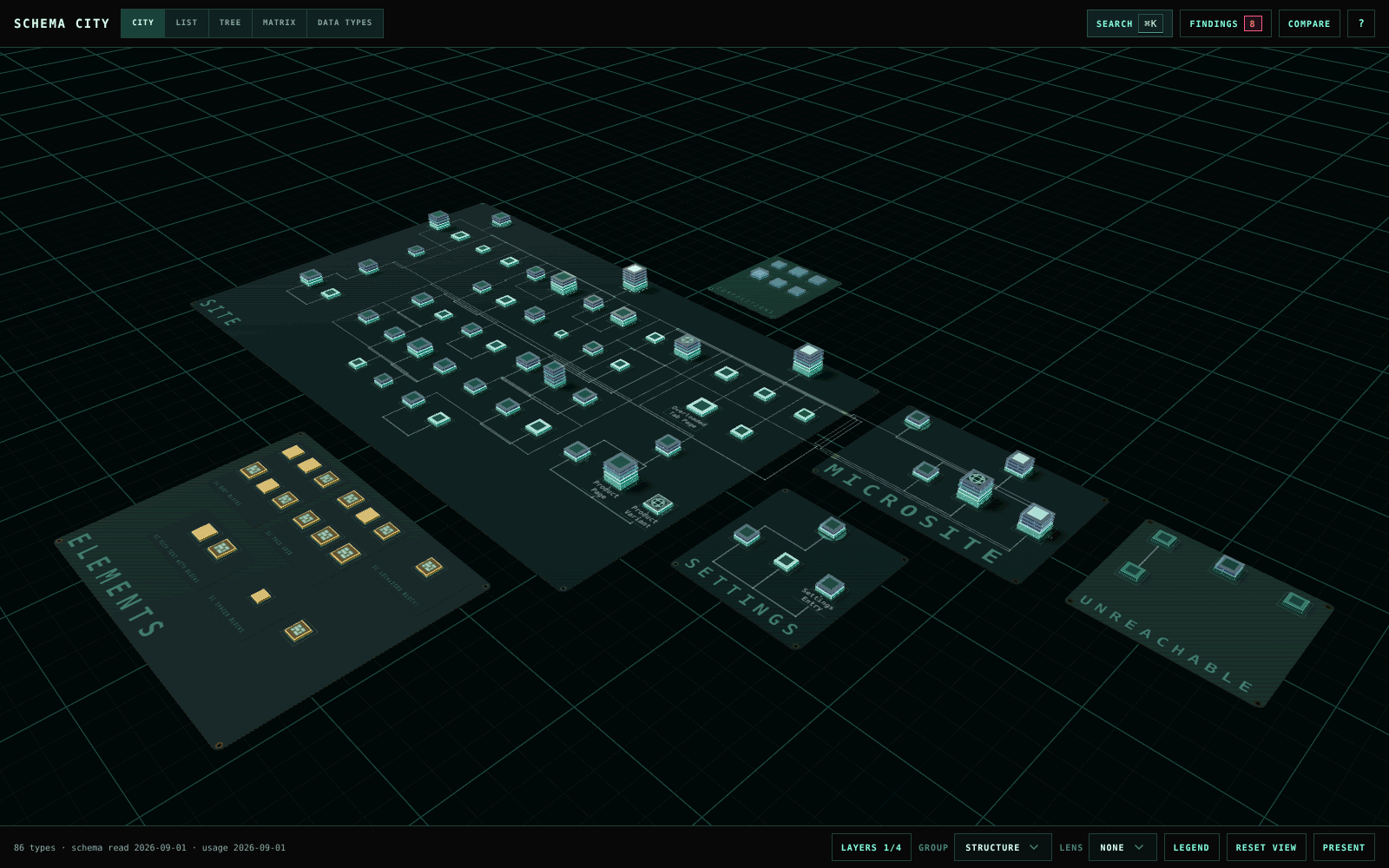
See your content model as a city.
Each Document Type is a building and each property group a floor. Traces show allowed children, compositions, block targets and picker references, and Findings flags schema problems before they ship.
dotnet add package TheBuilder.SchemaCityUmbraco CMS 17 and 18 · .NET 10
Schema City never changes your Document Types, Data Types or content. The only thing it writes is the decisions you record on findings.
Understand a schema before you change it
Open it under Settings, or from the Relationships tab on any Document Type, to start on that type and its neighbours.
Find your way around
Search by name, alias or property alias. Hover a building to see what it connects to, and focus on a type and its neighbours.
See what content uses
Colour the city by content count, published share, cultures, incoming references or unused types.
Know what a change touches
Impact lists every type a change reaches, with the path to each one, and checks a new alias for collisions.
Compare environments
Compare against a saved snapshot, grouped by cause, and tick off what you planned to see what nobody asked for.
Read it without the 3D
List, Tree, Matrix, Editor and Data Types work without the city canvas and from the keyboard.
Show it to a room
Presentation mode fills the screen with larger names, and a caption card replaces the inspector.
Catch problems before they ship
Findings checks for blocks that point at deleted Element Types, duplicate aliases, unused types and Data Types, types no editor can reach, culture mismatches and overloaded tabs. Mark a deliberate one as intentional, and it reopens by itself if the type changes.
Read about findings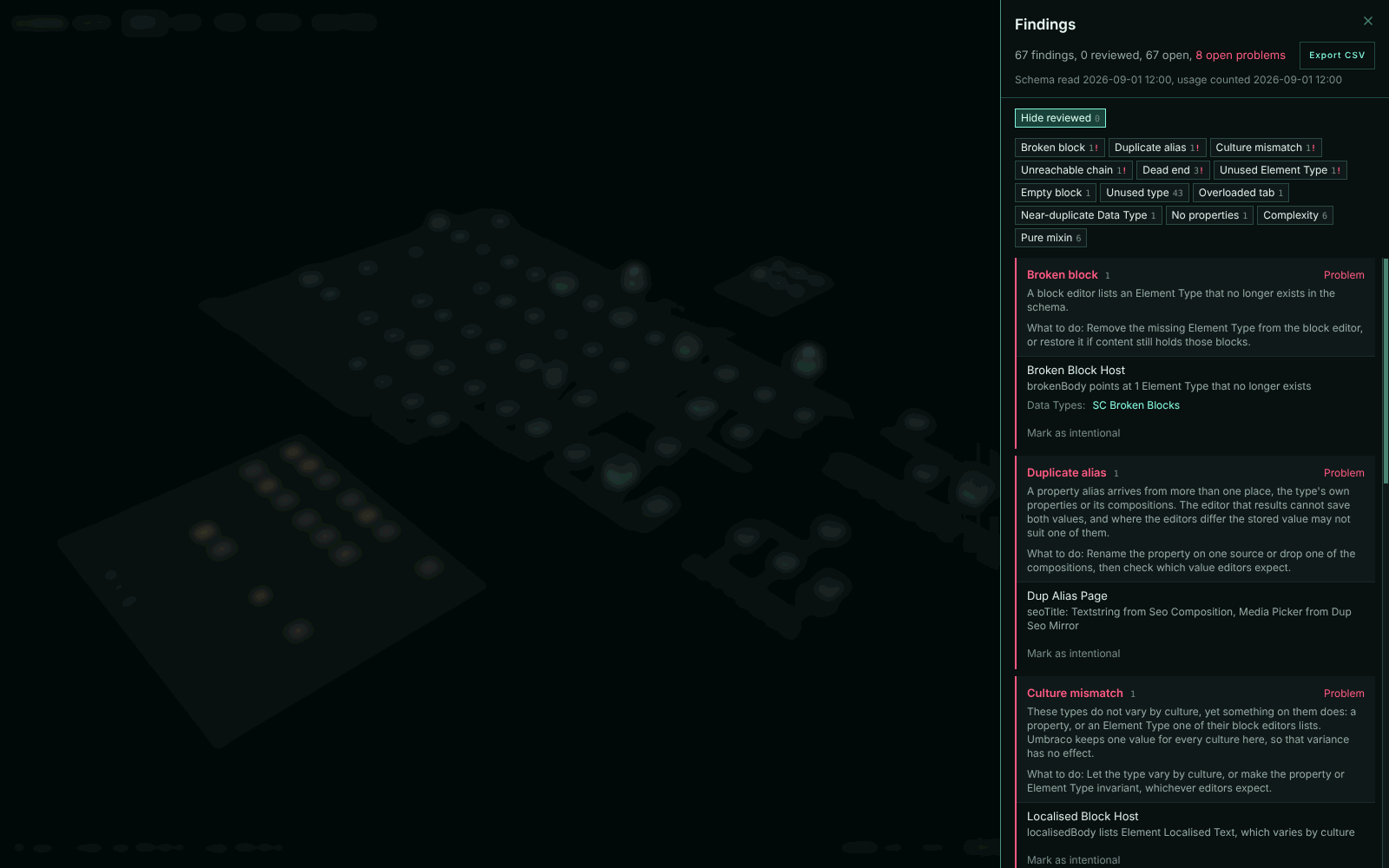
One schema, five views
The chosen view is kept in the URL, so a link opens the same view. Every view except City works without the 3D canvas.
Move between viewsTry it on a sample schema
The demo runs in your browser with 86 types and problems planted on purpose. It needs no Umbraco install.
Open the demoMore from TheBuilder
Focused packages for modern Umbraco projects.

Blur Placeholder
Generates a WebP, BlurHash or ThumbHash placeholder when an image is saved, ready for your frontend to show while the image loads.

Web Analytics
Shows the traffic from Vercel Web Analytics or Plausible in the Umbraco backoffice, for the whole site and for each page.

AI Image Disclosure
Reads the C2PA Content Credentials on uploaded images and flags the ones that say they were made or edited with AI.

App Translations
Lets editors change the next-intl or i18next messages in your app from Umbraco. Your app fetches the changes when it runs.

API OIDC
Lets frontends call the Delivery API and your own endpoints with an OIDC token from their hosting platform, instead of a shared API key.

Umbraco Rich Text
Renders the rich text JSON from the Umbraco Content Delivery API with React. You decide how each block and node is rendered.